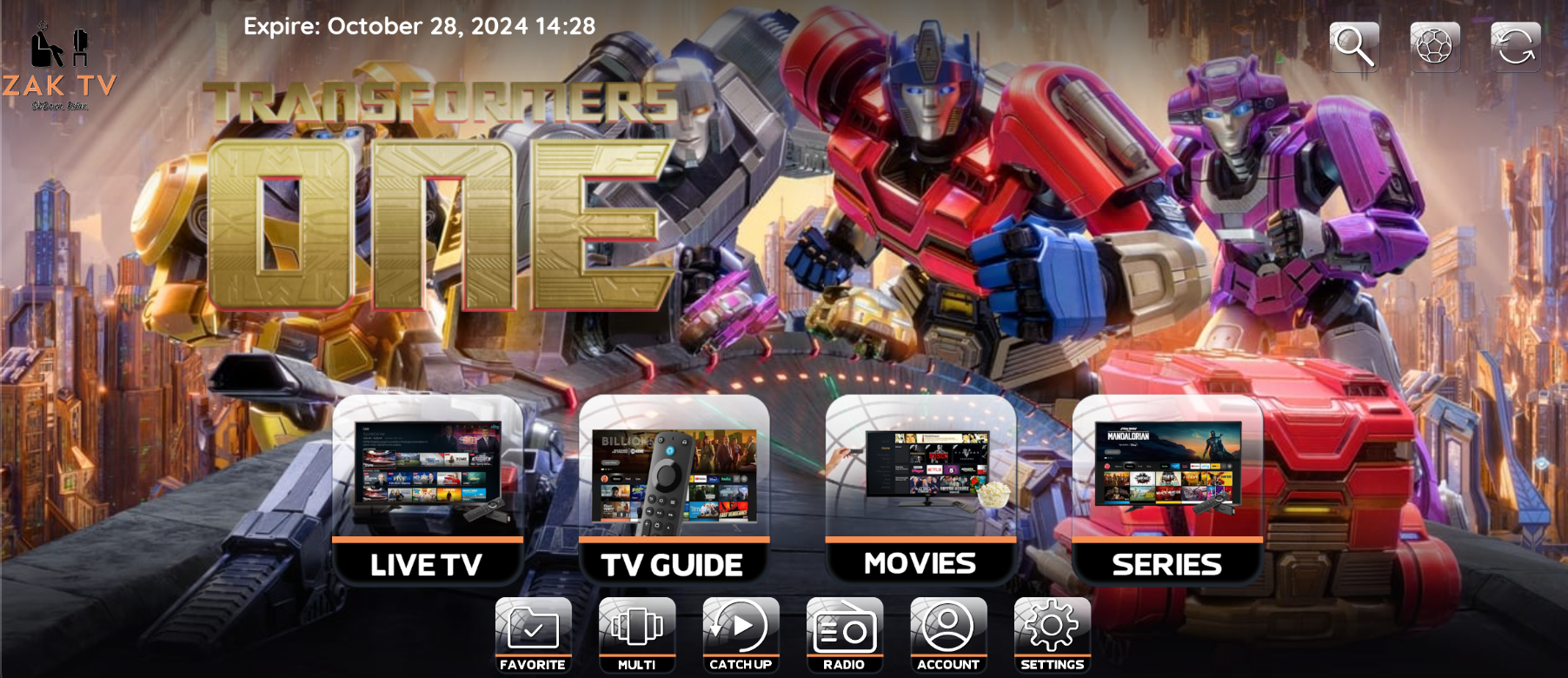
ZAK TV Legacy Player
I recommend investing in a $40 Firestick and using that for the most flawless experience, but any Android OS or Windows OS will work just as well. 🙂
Prerequisites
To install the ZAK TV Player, you will need to enable the option "Apps from Unknown Sources."
Refer to Prerequisite 1 for detailed instructions.
For all other Android devices, you will not need to enable "Apps from Unknown Sources" as described in Prerequisite 1.
Refer to Prerequisite 2 for detailed instructions on downloading and installing the app.
Let's Get Started
-
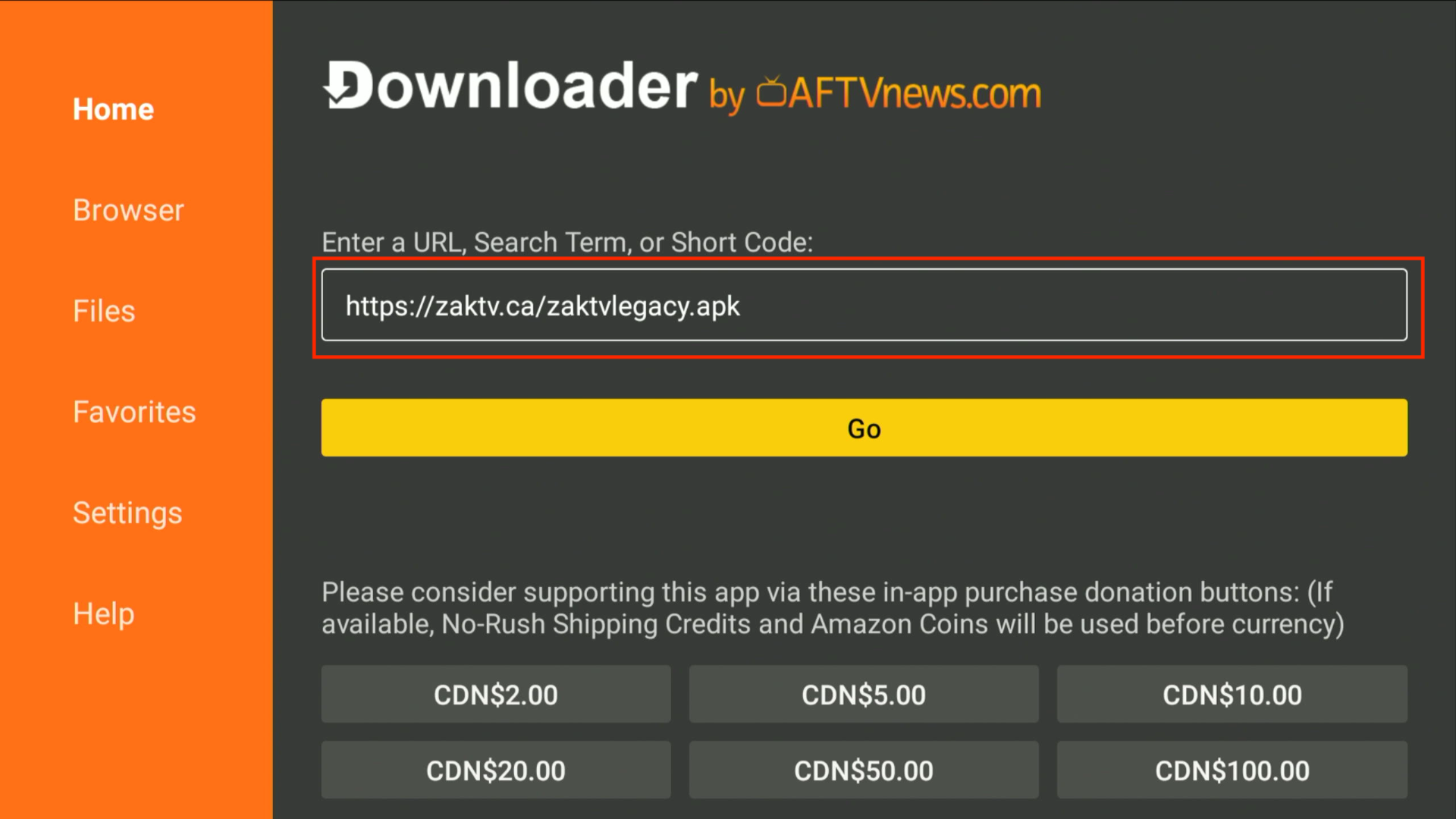
Input the Downloader code:
207067OR the App URL:https://zaktv.ca/zaktvlegacy.apkin Downloader's Enter a URL or Search Term field.
-
Downloader will download the ZAK TV Player onto your FireStick / Android Device.
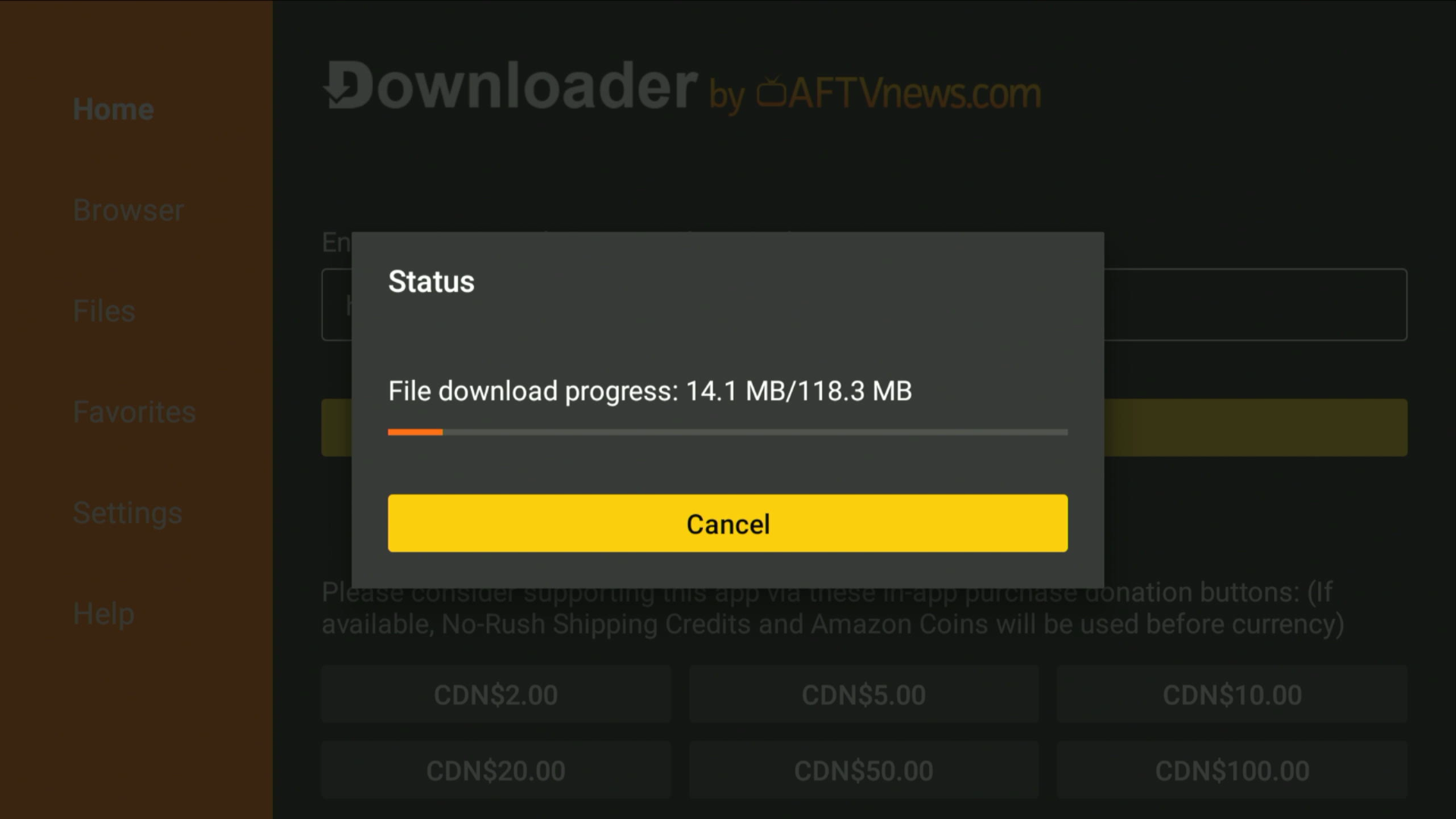
Note: The app is 118.3 MB, so ensure you have enough storage on your device.
If you see a pop-up saying, “For your security, your TV is not allowed to install unknown apps from this source,” please refer to Unknown Apps.
-
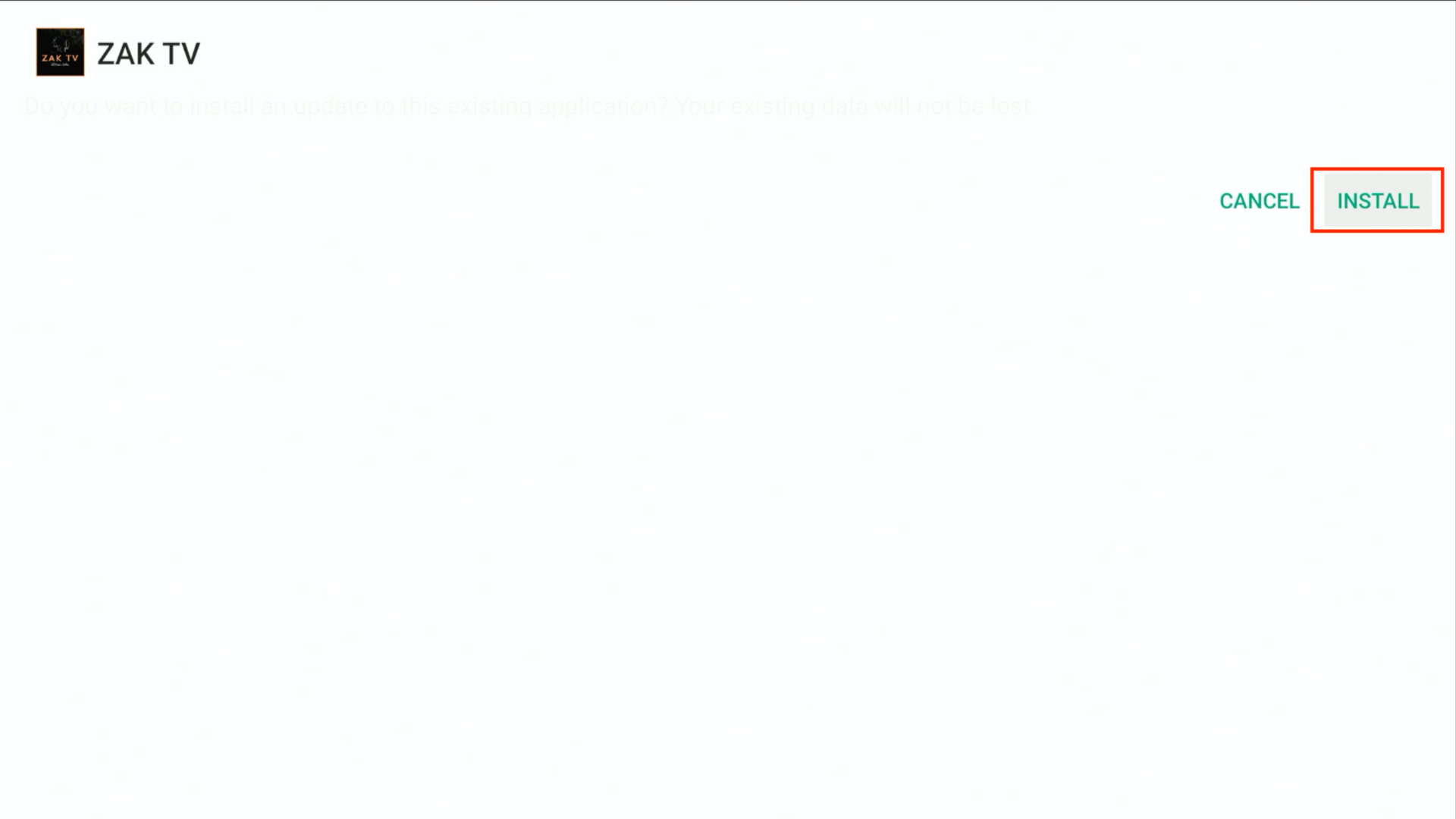
Click Install when prompted.
-
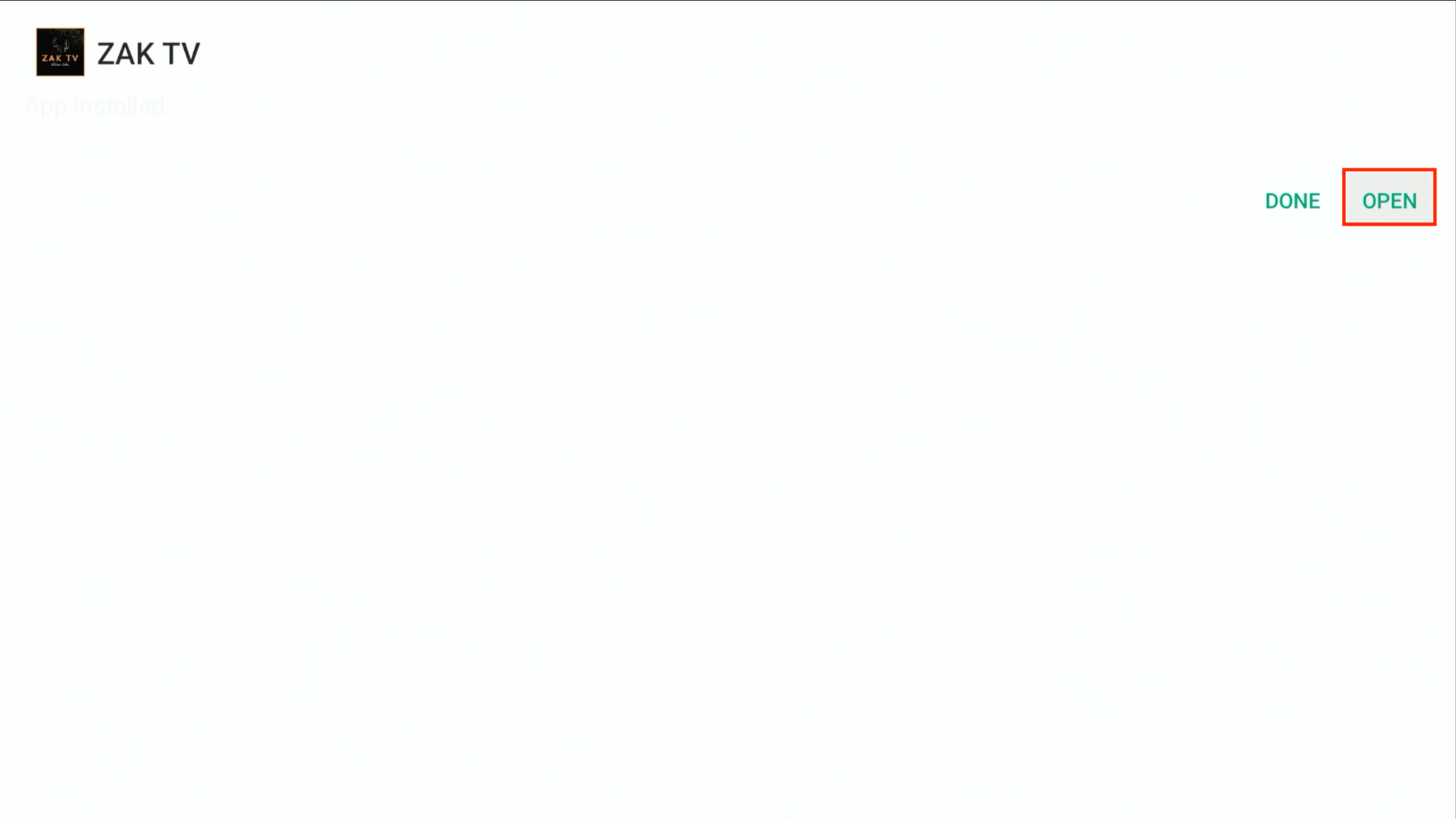
Hit DONE when the ZAK TV installation is completed.
-
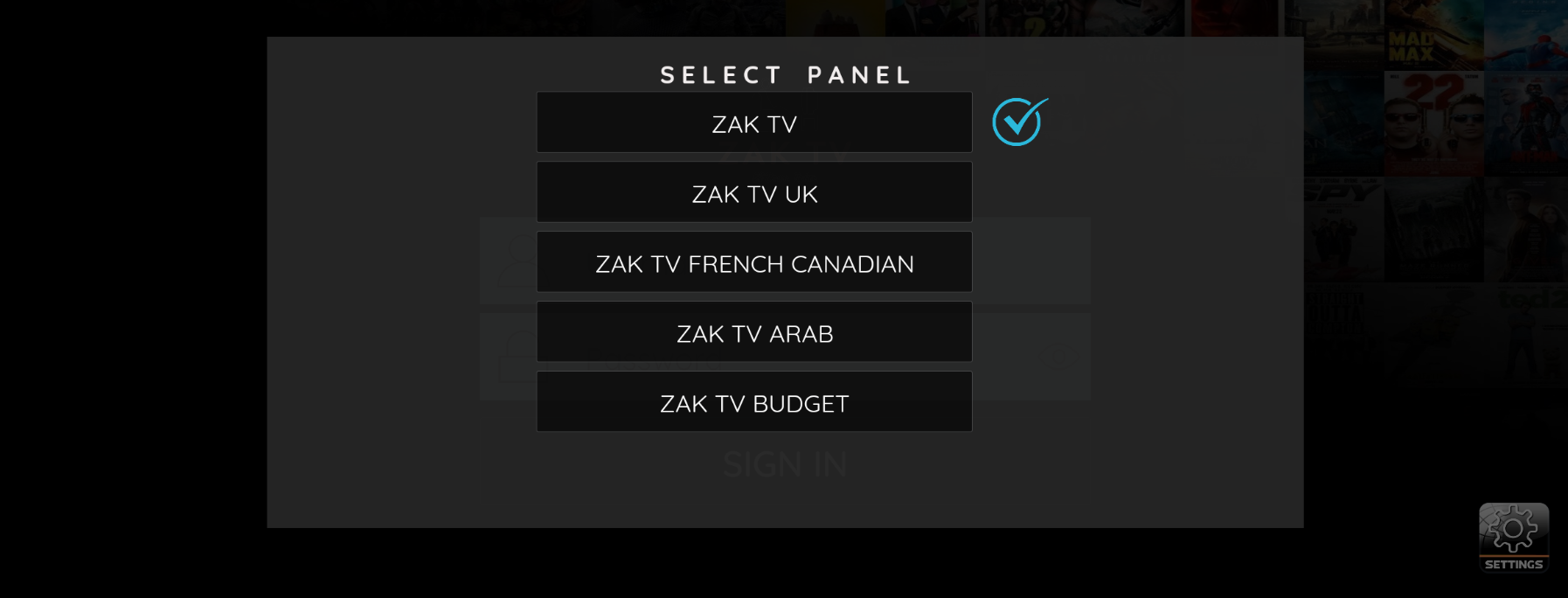
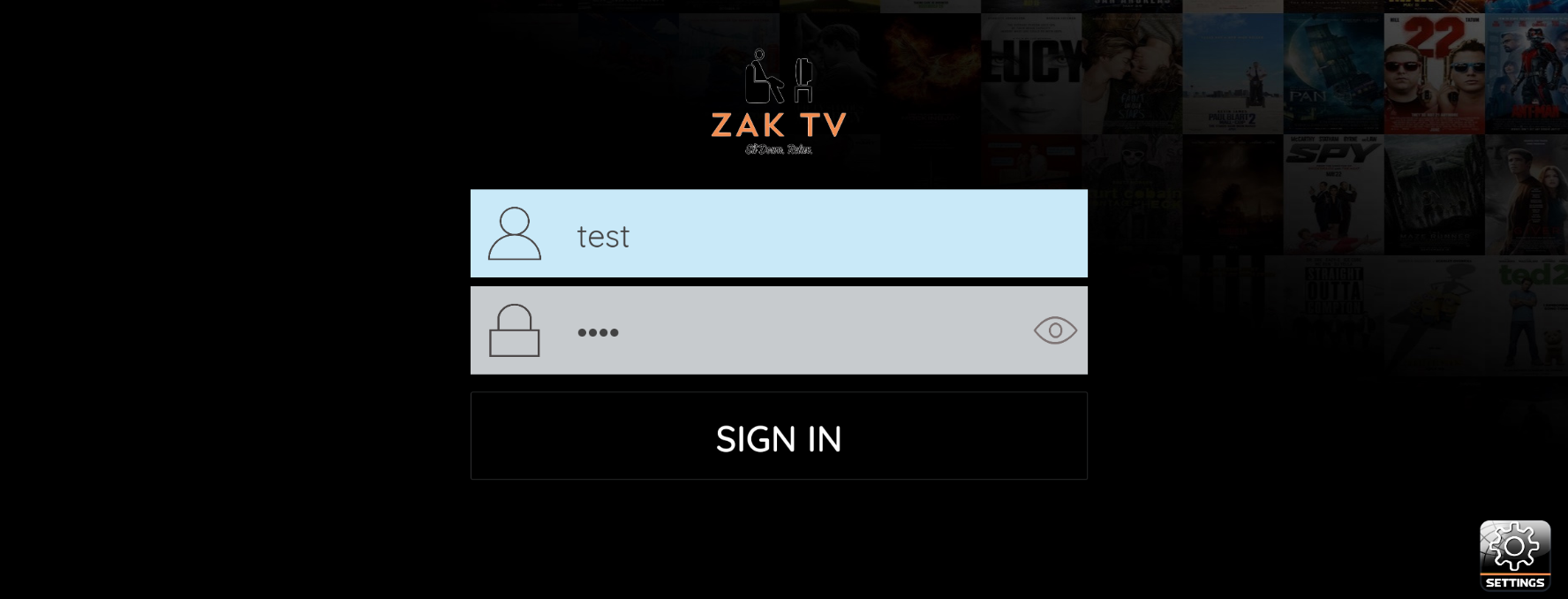
Input the Username and Password provided to you upon purchase and click Sign In.
-
Allow the playlist to load completely before exiting the app.
Congratulations! You have successfully downloaded and installed the ZAK TV Legacy Player.